Guest screen at the desk
KEOR Display: the guest screen at the desk
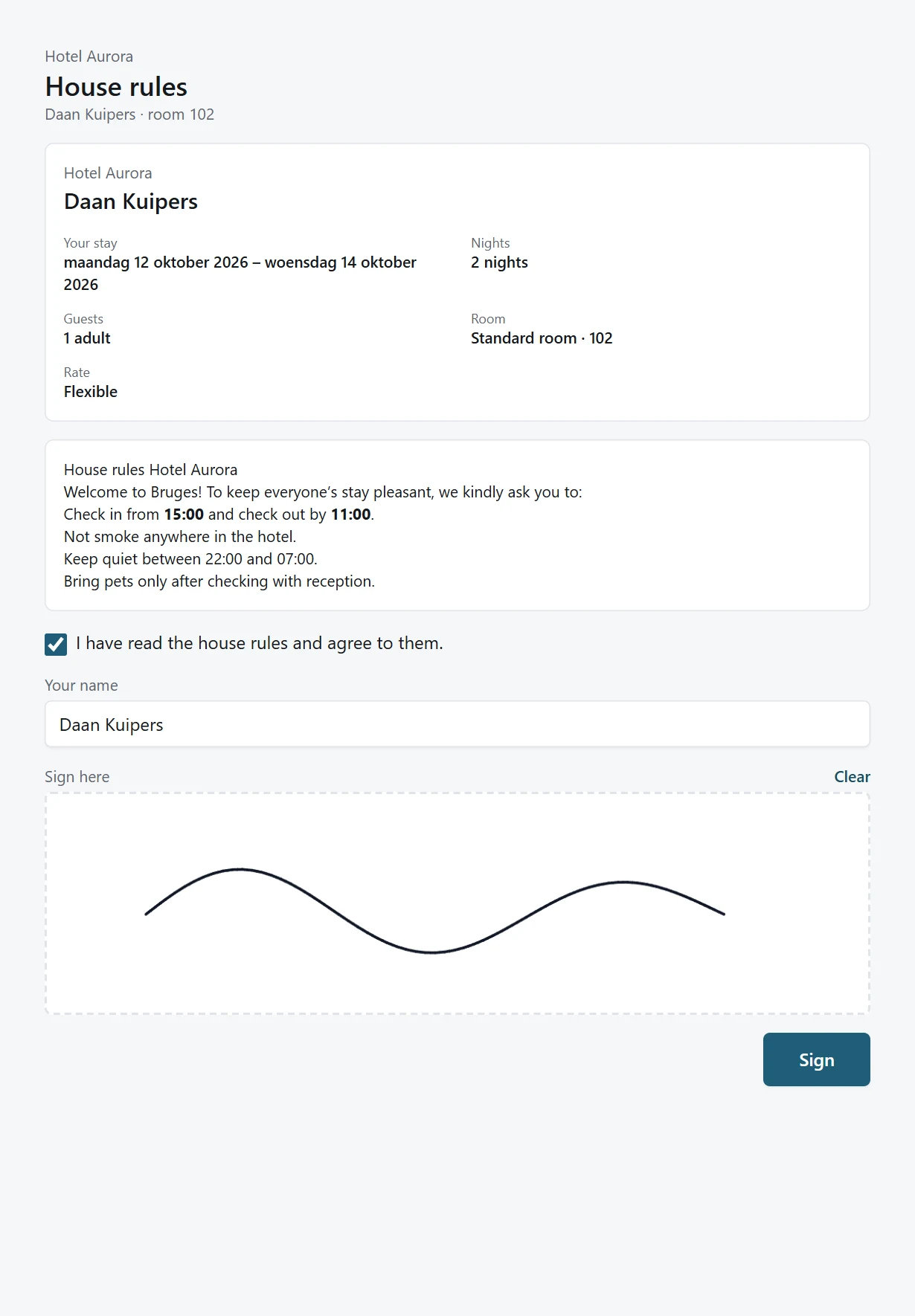
KEOR Display is the screen that faces the guest. Guests check their stay, sign the house rules and pay, while reception simply carries on working in KEOR PMS.
How it works
A paperless check-in
Reception drives the screen from the check-in wizard. Guests don’t need to install anything or sign in.
Confirm the stay
Guests see the dates, room, rate and their details, and can check them.
Sign the house rules
The signature is kept with the reservation.
Pay
Card payment or pre-authorisation via the Viva terminal.
Your branding
With your hotel’s logo and no KEOR logo.
Tablet or terminal
As a web page or Android app, on a tablet or on the card terminal itself.
In the guest’s language
Dutch, English, French or German, depending on the guest.
On the card terminal
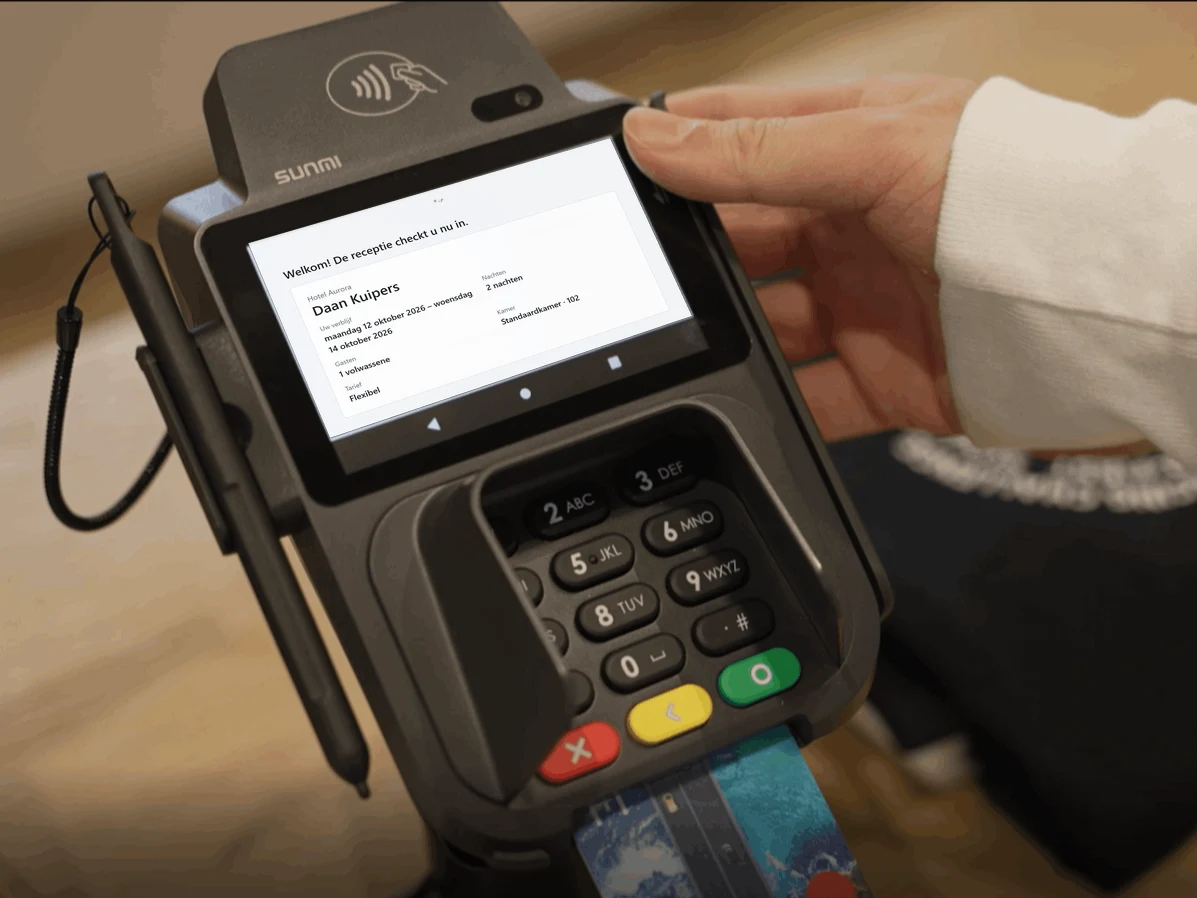
One device to sign and pay
The KEOR Display Android app also runs on the card terminal itself, such as the Sunmi P2 SmartPad. Guests see their stay on the terminal’s screen and pay straight away. After the payment, the Viva app hands the screen back to KEOR Display.
- No separate screen needed at the desk
- Works in portrait and landscape, from 4 inches to tablet
- Card data stays with Viva, never in KEOR
KEOR
Part of the KEOR family
Reservations, planning board, billing and reports for one hotel or many.
More about KEOR PMSSpace planner, event dossiers, quotes and groups with rooming lists.
More about KEOR Meetings & EventsHousekeeping, maintenance and ID scan on iOS and Android, with push notifications.
More about KEOR PMS StaffOnline check-in, payment and requests, on the guest’s own phone.
More about KEOR GuestPoint of sale for restaurant, bar and room service, connected to the PMS.
More about KEOR POS